A parent's guide to picking the right difficulty
April 30, 2026 · 7 min read
Every generator on MinteeGrid has a difficulty setting, and it's tempting to pick "medium" once and move on. A few extra minutes choosing it properly — and re-checking it every week or two — makes the difference between a sheet that's actually teaching something and one that's just busywork or a battle.
The two failure modes, and how to spot each one fast
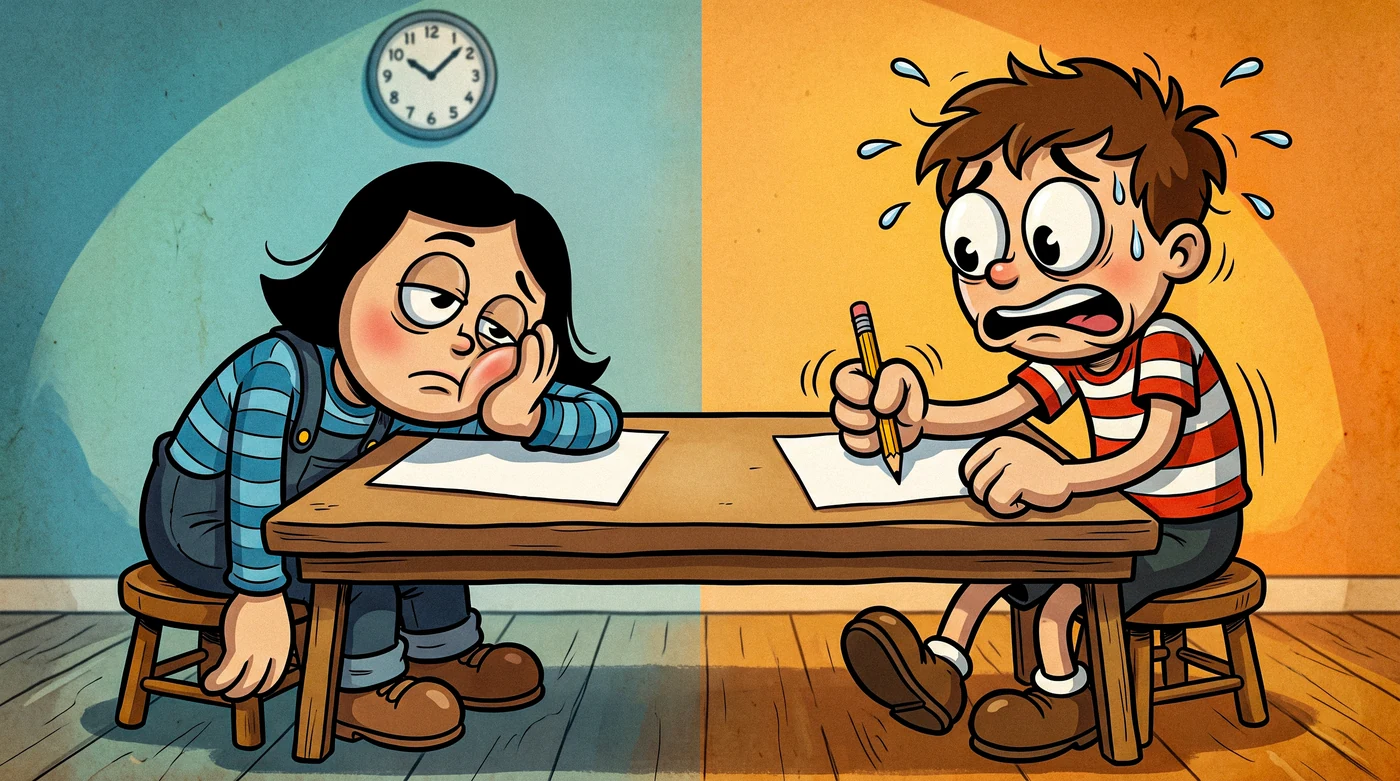
Difficulty set wrong shows up in one of two ways, and they look almost nothing alike:
- Too easy looks like speed. Every answer comes back instantly, with total confidence, and the sheet gets finished in a fraction of the expected time. It doesn't look like a problem — it looks like success — which is exactly why it's easy to leave in place for weeks past its usefulness.
- Too hard looks like friction from the very first problem. A long pause, an eraser coming out, guessing instead of working it through, or a flat refusal to start. This one is loud and gets noticed fast; the "too easy" failure is quiet and usually doesn't.
Watch the first three answers, not the last one
Whether a sheet got finished tells you almost nothing on its own — a kid can push through a too-hard sheet out of stubbornness, or breeze a too-easy one without it meaning anything. How the first few problems go is the real signal. Instant, confident answers on problem one mean the difficulty is too low for today. A long pause or an eraser on problem one means it's too high. The right setting sits between those two reactions, and it shows up in the first minute — no need to wait for the whole sheet.
Aim for roughly 80% right on the first try
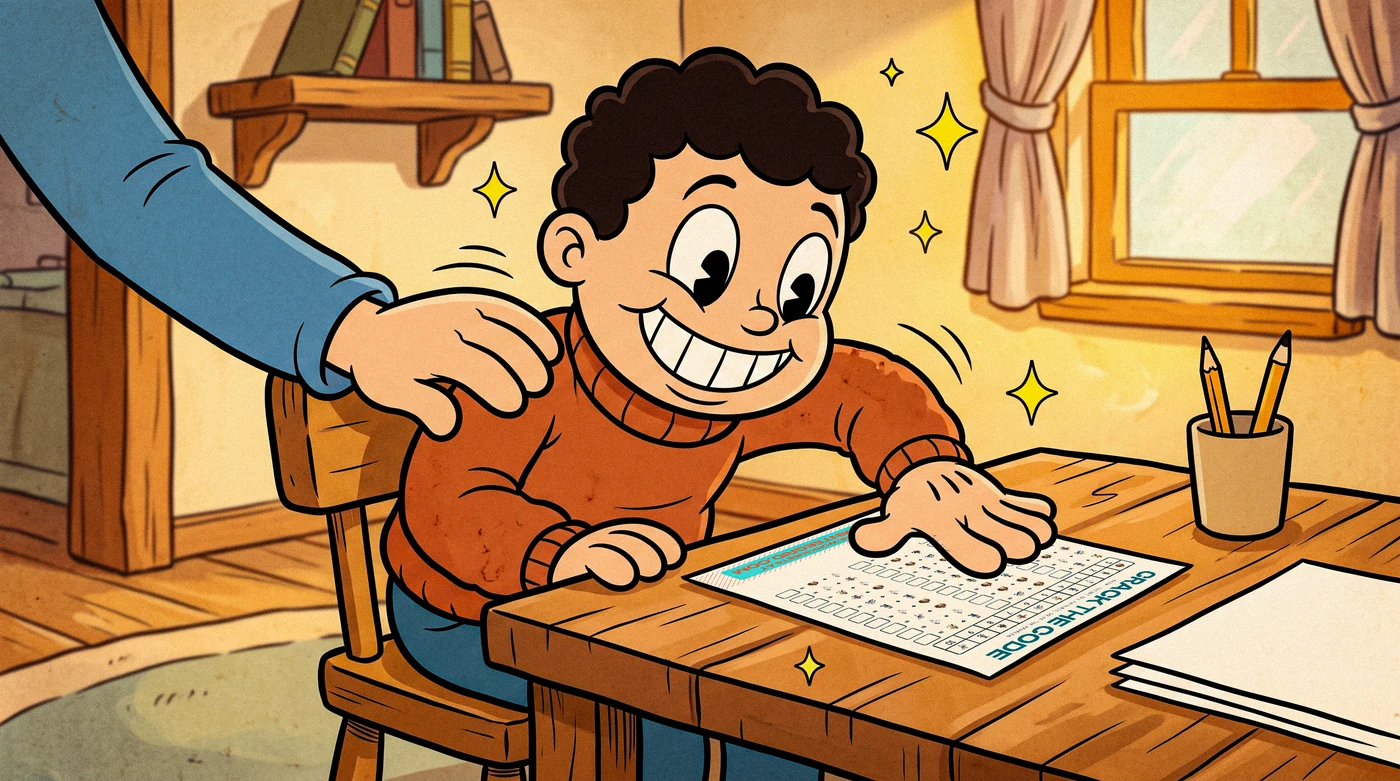
Educational psychologists call this a "desirable difficulty" — a level hard enough to require real effort but not so hard that most attempts fail. A sheet where every answer is correct on the first pass isn't teaching anything new; it's confirming what's already known. A sheet where most answers are wrong is just frustrating, and frustration is where kids start guessing instead of working the problem. Somewhere around eight correct out of ten, on the first attempt, is the zone where the actual learning happens.
Lifehack: if you don't want to sit and count right answers, use time instead — a sheet that's landing in the right zone usually takes a visibly effortful few seconds per problem, not an instant answer and not a long stall. Once you've watched a few sheets, you'll feel the right pace without counting.
Increase range before increasing count
When a level feels too easy, the instinct is to make the sheet longer. It's almost always more effective to raise the number range, digit count, or scene complexity instead and keep the sheet the same length. Twenty easy problems teach less than twelve appropriately hard ones — and take longer to get through, which just makes practice feel like a chore for no learning benefit.
Let a bad sheet happen sometimes
An occasional sheet that's a little too hard isn't a failure — it's useful information about where the edge of current ability actually is. The next one can be dialed back a notch. What actually matters is not staying at a setting that's clearly wrong for more than a day or two once it's obvious.
Different generators, different difficulty dials
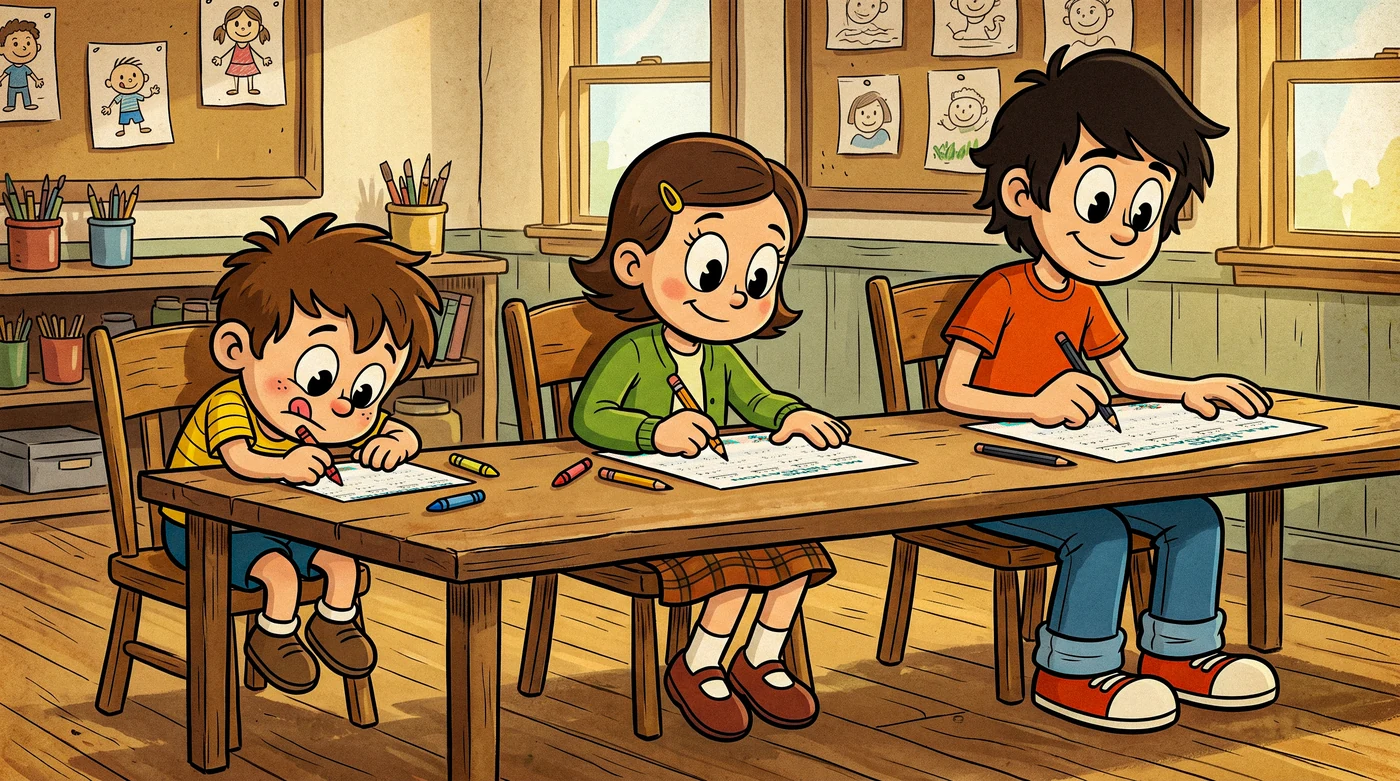
This is the part that trips parents up the most: "difficulty" doesn't mean the same thing on every sheet, because the four generators aren't testing the same skill.
- I Spy — difficulty is scene density and how visually similar the target objects are to the filler ones. A sparse scene with obviously different fillers is an easier find than a dense one where the target and the fillers share a shape or color.
- Crack the Code — difficulty is the underlying math operation plus whether the code key is
sequential(mostly guessable) orrandom(has to be decoded from scratch every time). A kid who's fast at the math can still be slow here if the code assignment is unfamiliar. - Multiplication Facts — difficulty is the factor range. Capping it at ×5 tests a completely different, smaller set of facts than opening it up to ×12.
- Long Multiplication — difficulty is digit count on each side (2-by-1 versus 3-by-2, for example). Every extra digit adds a full round of carrying, which compounds faster than the digit count alone suggests.
A child who's advanced on one dial and average on another isn't unusual — it's the normal shape of how kids actually develop these skills, and it's exactly why each generator's setting is independent rather than tied to a single "grade level" that's supposed to apply everywhere.
Putting it together
None of these signals need a spreadsheet. In practice it comes down to: watch the first three problems, notice whether the sheet finished in confident silence or visible effort, and nudge the dial one notch in whichever direction that pointed — separately, per generator. Do that for a couple of weeks and the right setting for each one becomes obvious without ever having to think about it as "picking a difficulty" at all.
FAQ
What difficulty should I start a new sheet at?
One notch below where you think the child is. It's cheap to move up mid-week once a level is clearly too easy; it's more costly to open with a sheet that's genuinely too hard, since that's the version that produces a meltdown instead of useful information.
My kid finishes every sheet with no mistakes. Is that a problem?
It means the current setting has stopped teaching anything new — it's confirming what's already automatic, which is fine occasionally (everyone likes an easy win) but shouldn't be the daily default. Move the range or complexity up a step and expect a few wrong answers; that's the level actually doing something.
Should difficulty be the same across all four generators?
No, and expecting it to be is the single most common reason parents think a setting is "wrong." A child can be advanced at times tables and still need an easier scene on I Spy, or vice versa — each generator's difficulty dial is independent on purpose, not a single grade level for the whole child.
How often should I change the difficulty setting?
Reactively, not on a schedule — bump it up when a sheet is finished fast with zero visible effort, dial it back when the first three problems produce a long pause or an eraser. Most kids need a change every one to three weeks per generator, but a fixed schedule ignores what the actual sheet is telling you.
Is it bad to let a sheet be too hard sometimes?
One occasional too-hard sheet is useful information, not a failure — it shows where the current edge of ability actually is. What matters is not staying at a setting that's clearly wrong for more than a day or two once you've seen it.