How hard should a maze be? Corridor width and turns are two different dials
August 19, 2026 · 6 min read
Open any maze pack and the difficulty ladder is the same: the hard ones are the small ones. Shrink the cells, fit more of them on the page, call it harder. It does make the sheet harder. It just makes it harder in the way that matters least.
The two dials, and which one you are actually moving
Number of turns is the puzzle. More junctions means more decisions, a deeper route, more to hold in mind. This is the dial that tests the head.
Corridor width is the hand. How much room a pencil has to stay between two lines. This is the dial that tests the fingers.
On a screen these are independent — you can have a maze with a thousand junctions and corridors an inch wide, because you can scroll. On a sheet of A4 they are the same dial pointing in opposite directions, because the paper does not get bigger. Fitting more cells on the page means each one gets smaller, and there is no way around that.
So when a pack labels a maze "hard," what it has actually done is narrow the corridors and let the turn count follow. That is fine for a nine-year-old and wrong for a five-year-old who is perfectly capable of a twenty-junction route and physically cannot draw down a 5mm gap.
What that means at the printer
Our three settings are named for the hand, not the head, because that is the one you cannot cheat:
- Wide — corridors around 22mm on a classic maze. Roughly eight columns. A pre-writing exercise with a puzzle attached.
- Medium — around 12mm. Fourteen columns and a route with real depth.
- Narrow — around 7mm. Twenty-five columns; a genuine puzzle, and a genuine test of pencil control at the same time.
Two mazes on one page is a separate control, and it is worth understanding what it does: it is not double the difficulty. Two mazes on a page each get half the area, so at the same corridor width each holds about half the cells. It is two shorter mazes, each roughly a step easier than one alone — which is exactly right when finishing something twice matters more than finishing something long.
That is also why the corridor widths change between the two layouts. If they did not, a "medium" two-up would land on the same cell count as a one-up "easy," and the label would be lying.
The tell that you are on the wrong dial
Watch which part they complain about.
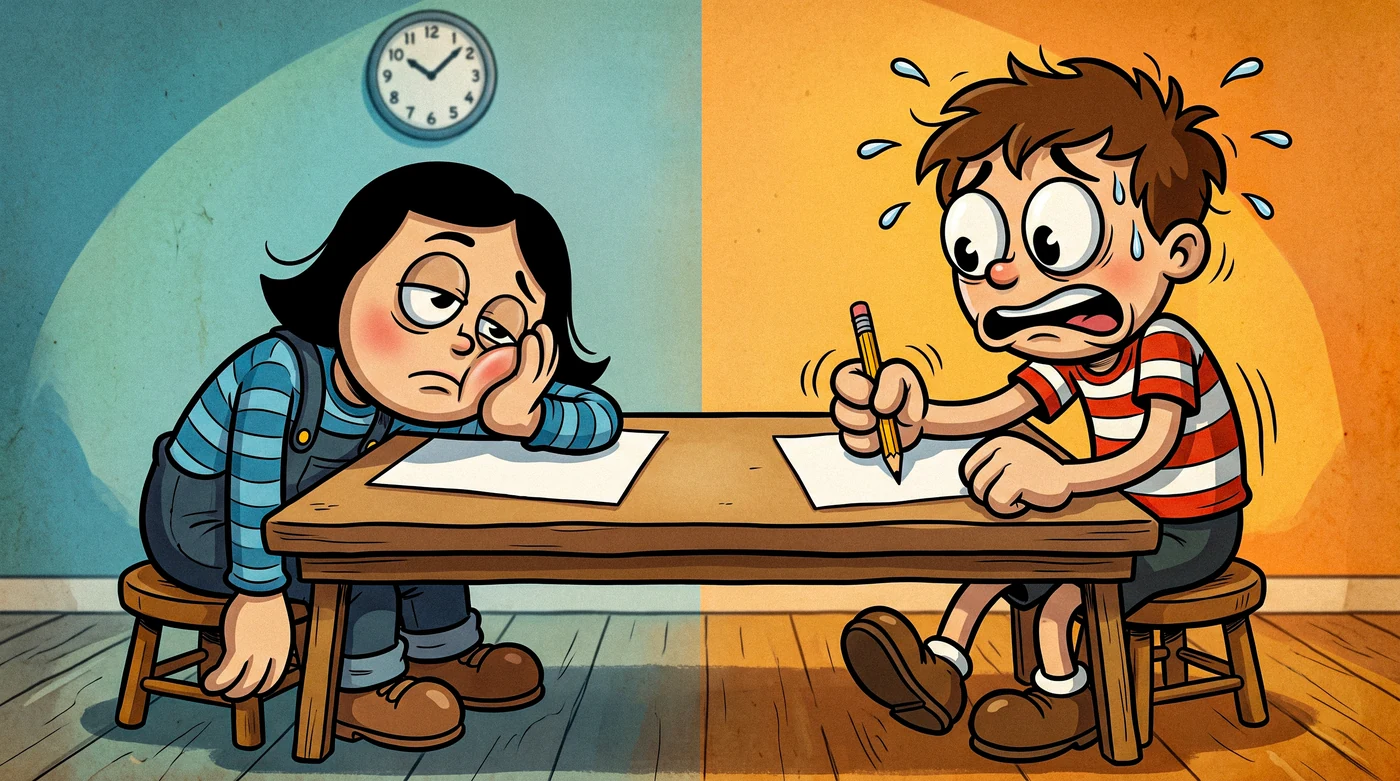
- "This is too hard" while solving it quickly → corridor width. Their route-finding is fine and their hand is struggling. Go wider, keep the turns.
- "This is boring" while drawing neatly → not enough turns. Go narrower, or change geometry.
- Draws straight through a wall → almost always width, occasionally a misunderstanding of the rules. Try one wider sheet before you assume anything.
- Solves it, then cannot remember how → that is normal and not a problem to fix. It is what makes the next maze worth printing.
Lifehack: print one wide and one narrow of the same maze type in the same run and put both on the table. Which one a child reaches for tells you more in five seconds than any amount of watching them work, and costs one extra sheet of paper.
When the dial runs out
Both dials have a floor. Below about 5mm a corridor stops being drawable with a normal pencil, and there is nowhere further to go on a fixed sheet of paper. When a child is past that, the answer is not a smaller maze — it is a different one.
A circular maze changes the problem by putting the goal in the middle. A triangle maze changes it by flipping the cell over at every step. A hexagon maze changes it by giving six exits per cell and removing every straight corridor from the page. All three are harder at medium corridors than a square maze is at narrow, and none of them ask more of the pencil.
Try it yourself
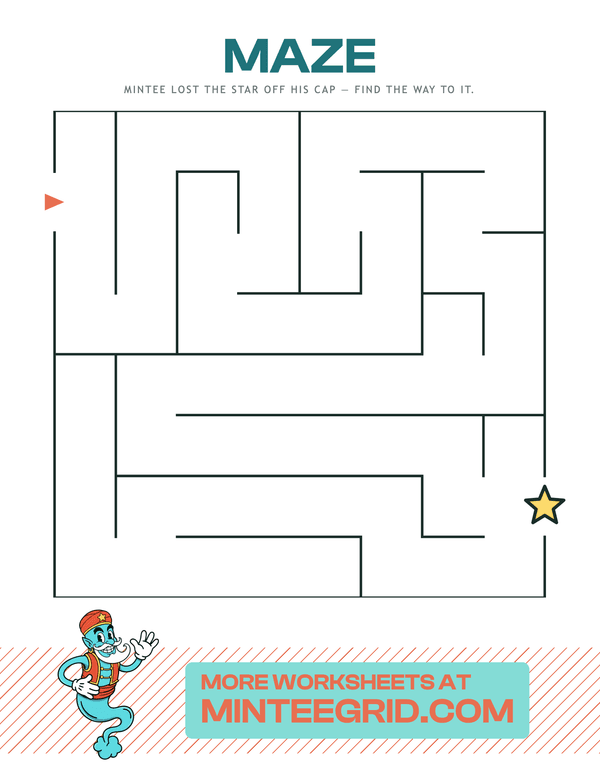
Classic Maze
One way in, one way out — and never the same maze twice. Mazes · 3+ years.
Related
- Printable mazes by age — which shape suits 3, 5, 7 and 9
- What a maze actually teaches — the four skills the difficulty dial is aimed at
- When square mazes get too easy — what to do once both dials are exhausted
- A parent's guide to picking difficulty — the same question across the other generators
FAQ
What does difficulty mean on a MinteeGrid maze?
The width of a corridor. That sets everything else: a narrower corridor means more cells fit on the page, which means more junctions and a longer route. It is one dial rather than two because the two are physically linked — you cannot fit a twenty-column maze on A4 with corridors a preschooler can draw down.
Why not just make the maze bigger instead of thinner?
There is no room. A sheet of A4 is a fixed size, so on a printable maze "more cells" and "narrower corridors" are the same decision. That is different from a maze on a screen, where you can scroll, and it is why difficulty on paper has a hard floor that has nothing to do with how clever the child is.
My child can solve hard mazes but the drawing is messy. Should I go back down?
No — print the hard one and hand them a finer pencil. Messy lines at a narrow corridor are a tool problem, not a difficulty problem. Dropping the difficulty to fix handwriting takes away the part they were enjoying and does not fix the handwriting either.
How do I make a maze harder for a child who finds all of them easy?
Change the shape rather than the size. A hexagonal maze at medium corridors is harder than a square one at narrow, because six exits per cell is a different problem rather than a smaller version of the same one. A triangular maze does something similar by flipping the cell orientation at every step.